My account
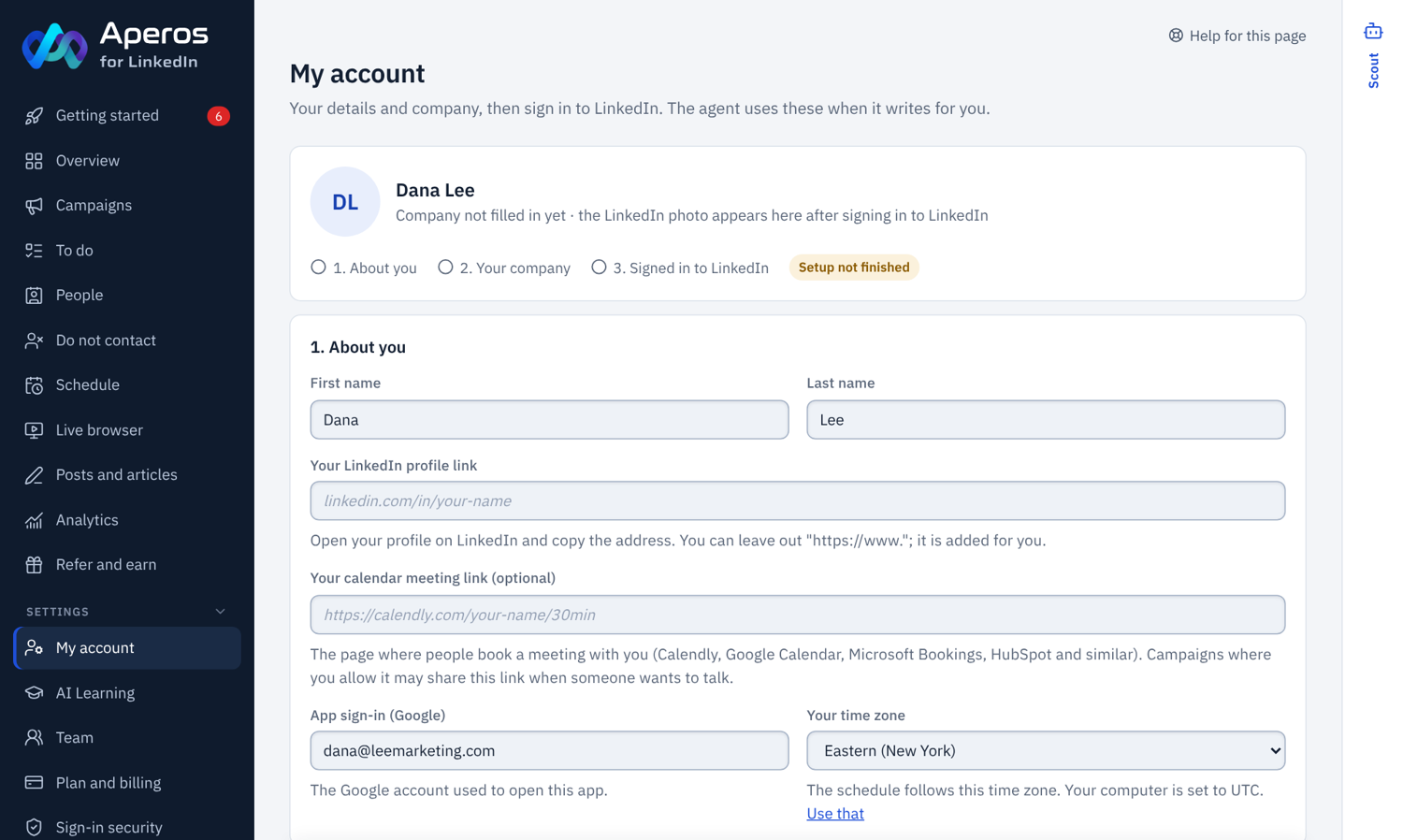
Your details, company and time zone, which the agent uses when it writes.
- About you: first and last name, and your time zone.
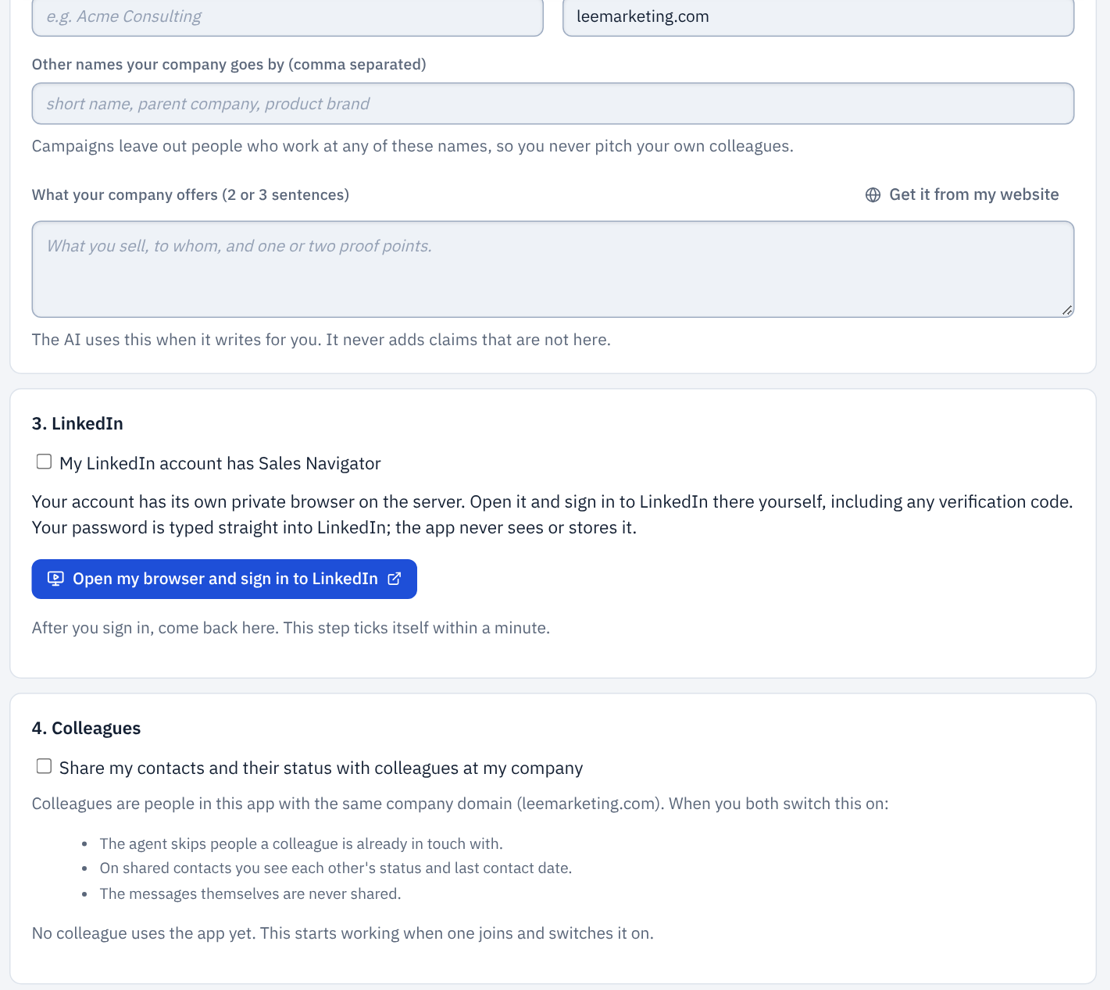
- Your company: company name and website domain.
- LinkedIn: your account and its settings.
- Colleagues: whether to share contacts with colleagues at the same company, so the agent doesn't contact someone a colleague is already talking to.
- Your calendar meeting link (optional): your booking page (Calendly, Google Calendar, Microsoft Bookings, HubSpot and similar). A campaign can let the AI share it when someone wants to talk: switch on Share my meeting link when it helps in the campaign setup under 1st connections. It is never added to invitation notes and at most once per conversation.
- Press Save: a green message at the top confirms it.